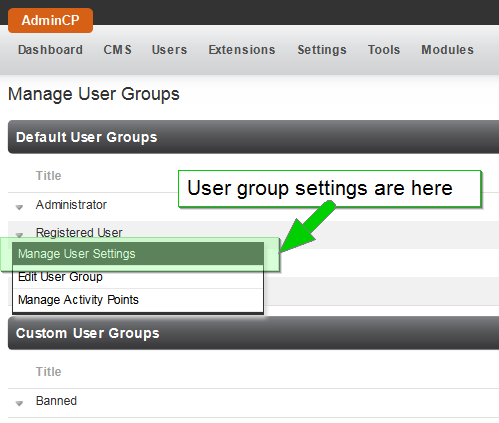
With this in mind each user group can be customized in over 300 ways given the number of user group settings available. A user group setting must belong to a module, so we reference them with this format:
<module>.<name>
for example:
user.can_browse_users_in_public
A user group setting is used in the code to control different things. If you simply add a new user group setting via the AdminCP it will not do anything, you need to add the code for that new user group setting to make sense. Adding user group settings is a task for developers and a site administrator should never have to do this.
To change the value of a user group setting you simply go to the AdminCP -> Users -> Manage User Groups:
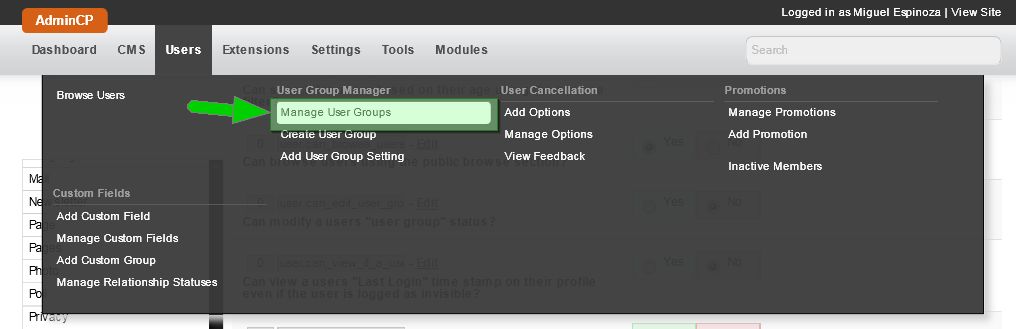
From here we can get to the user group settings: